Instructional evidence educators can act on, with learning time they can control.

Viko helps schools identify what each learner understands, respond to misconceptions without abandoning the concept, and end focused sessions at an educator-selected time.

Request school access
Three workflows that preserve educator authority

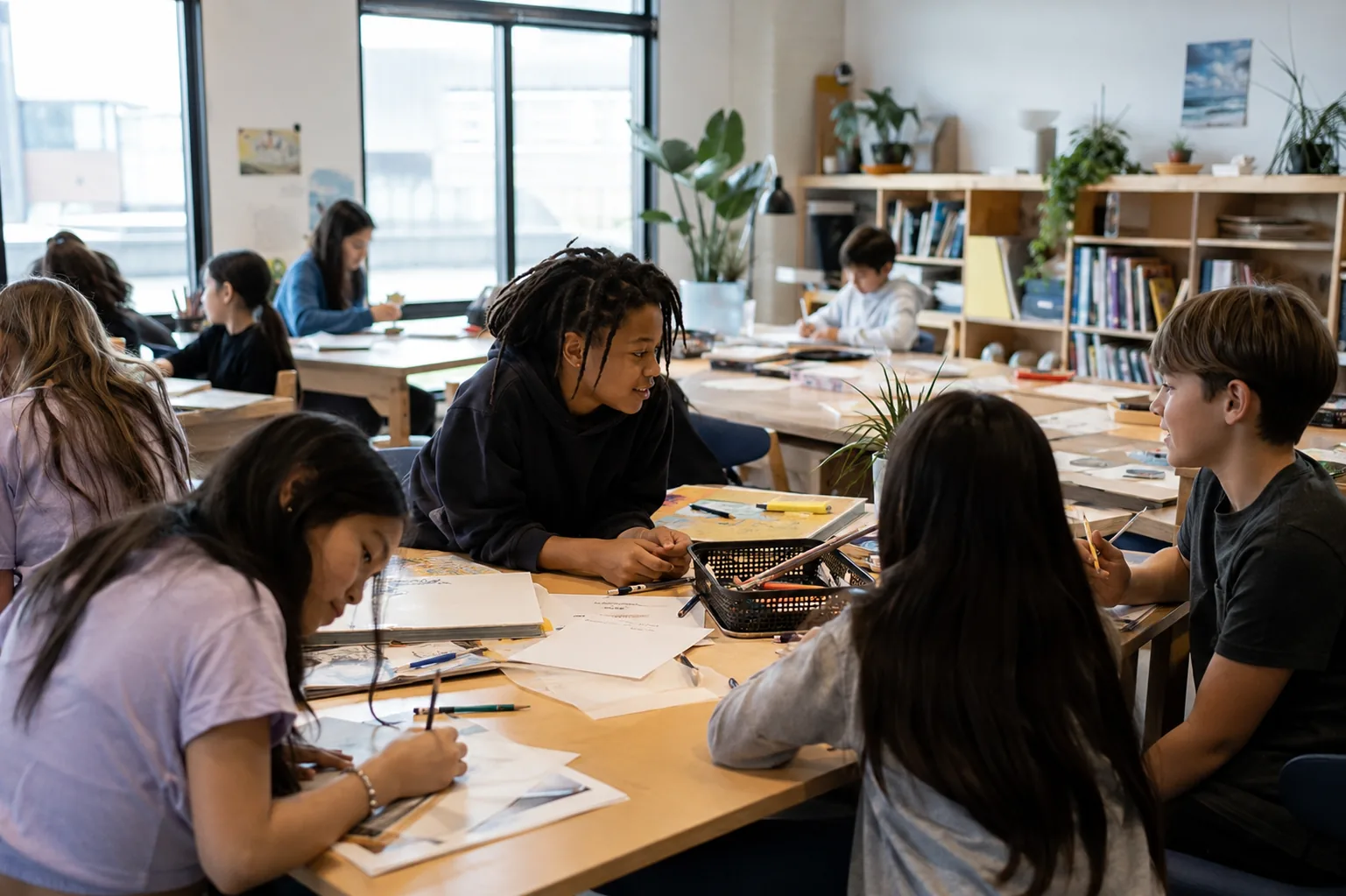
Middle-school students collaborating around shared tables in a bright classroom.
Viko is designed to help an educator see individual needs without losing sight of the shared classroom.
01

Identify

See independent domain evidence, current instructional focus, misconceptions, and reviews due.

02

Respond

Keep an unresolved concept active while Viko changes the explanation or representation.

03

Finish

Choose the learning window; Viko saves the exact stopping point and resumes there later.

Read-only example using fictional learners

Current classroom needs

LearnerCurrent focusReviews due
MayaEquivalent fractions1
JordanInformational evidence0
AveryEcosystem models2

This demonstrates product structure, not a performance claim or real student record.

Read-only example using fictional learners

Add and subtract fractions with unlike denominators

CCSS.Math.Content.5.NF.A.1
Viko

Maya is comparing 2/3 and 3/4. What common-sized parts could help us compare them?

Maya

Sixths.

Viko · same concept, new approach

You chose sixths. Sixths work for 2/3, but 3/4 cannot be written in whole sixths. Let's list multiples of 3 and 4 and find the first one they share. What do you notice?

Instructional response: partial evidence was recorded, fractions stayed active, and the misconception received a smaller reasoning question.

Designed not to maximize screen time.

Educators choose session length and subject priorities. Viko handles the safe stopping point, saves unfinished work, and tells the learner when the day's focused learning is complete.

Fictional session example

Designed to finish

An adult sets the learning window. Viko protects the current concept, finds a safe stopping point, and saves exactly where the learner should return.

Adult controlled
  1. Time is chosen

    30 minutes in this example. The adult may choose another length.

  2. Learning closes safely

    The current fraction comparison reaches a safe stopping point.

  3. The next step is saved

    Next time, Maya resumes with the common-denominator model.

What the learner sees

You finished your learning time for today. Your work is saved.

Then the screen lets go.

A starting rhythm, not a rule

A useful place to begin, then adjust as you get to know the learner.

Under 7
30 min
7-12
45 min
13+
60 min

Some days call for less. Some learners are ready for more.

You choose the time that fits the child and the day. Viko’s job is to use it well, then let childhood carry on.

Clear boundaries preserve instructional judgment.

Educators control
Learning time, instructional priorities, enrollment, and learner access.
The engine protects
Skill prerequisites, task scoring, evidence records, and mastery transitions.
The current pilot
Includes classroom overview and learner detail. District SSO and SIS sync remain planned features.

School readiness, stated plainly.

StatusCapabilityWhat that means now
AvailableEducator oversight and learner detailAssigned educators can review current instruction, evidence, misconceptions, mastery, and retention.
AvailableClassroom-scoped authorizationEducators can access only learners enrolled in authorized classrooms.
PilotClassroom setup and roster enrollmentControlled pilot tools support organizations, classrooms, educators, and learner enrollment.
PlannedDistrict SSO and SIS synchronizationEnterprise identity and automated district rostering are not represented as available.

The goal is understanding, not more minutes online.